
AAP · Meetings and records
From scheduling meetings to minutes and next steps
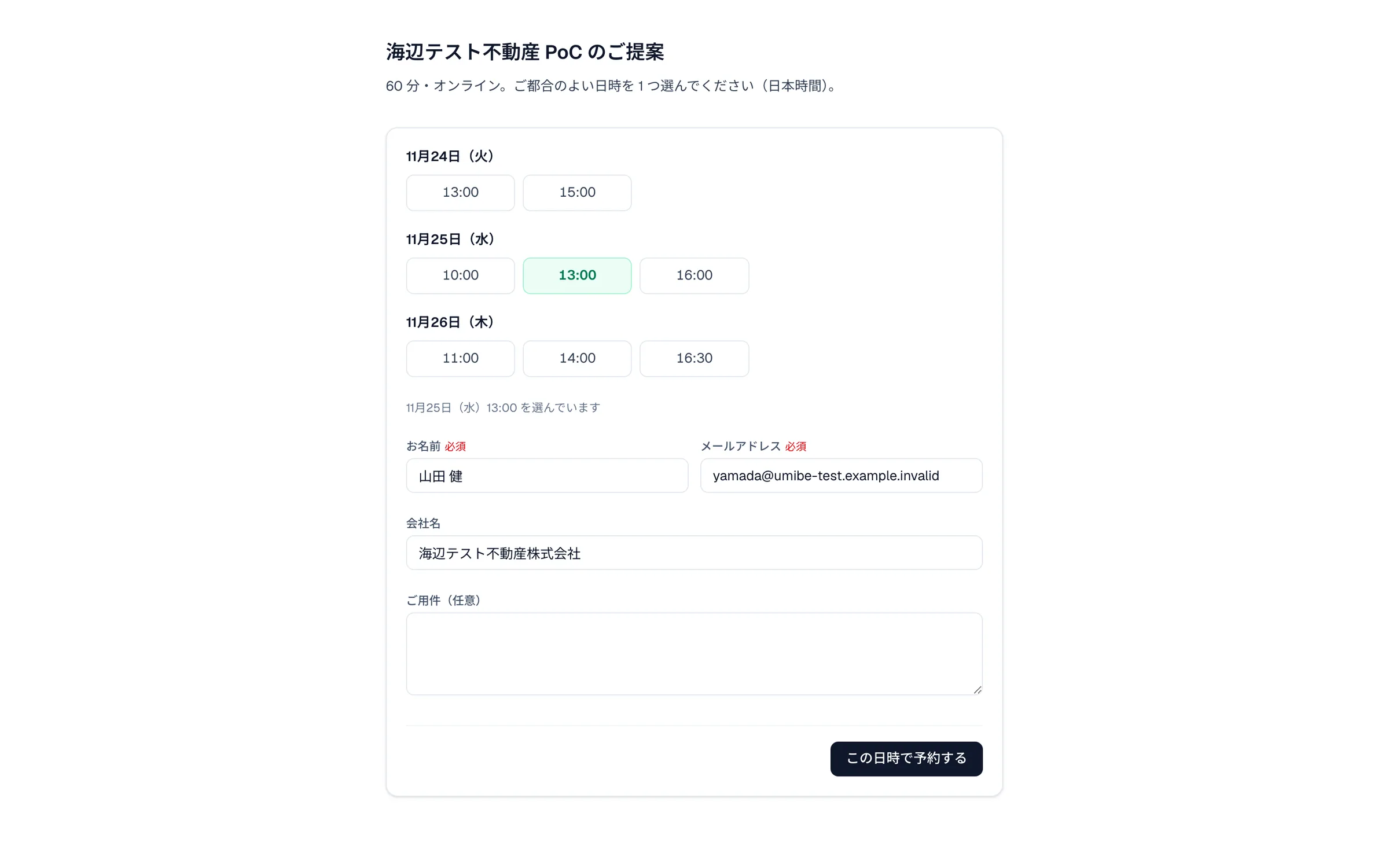
Send a booking link and let others choose a time that works for them. Set the length and available hours for each meeting type, and after each meeting, compile the minutes and next steps.
Features
What you can do.
Feature 01
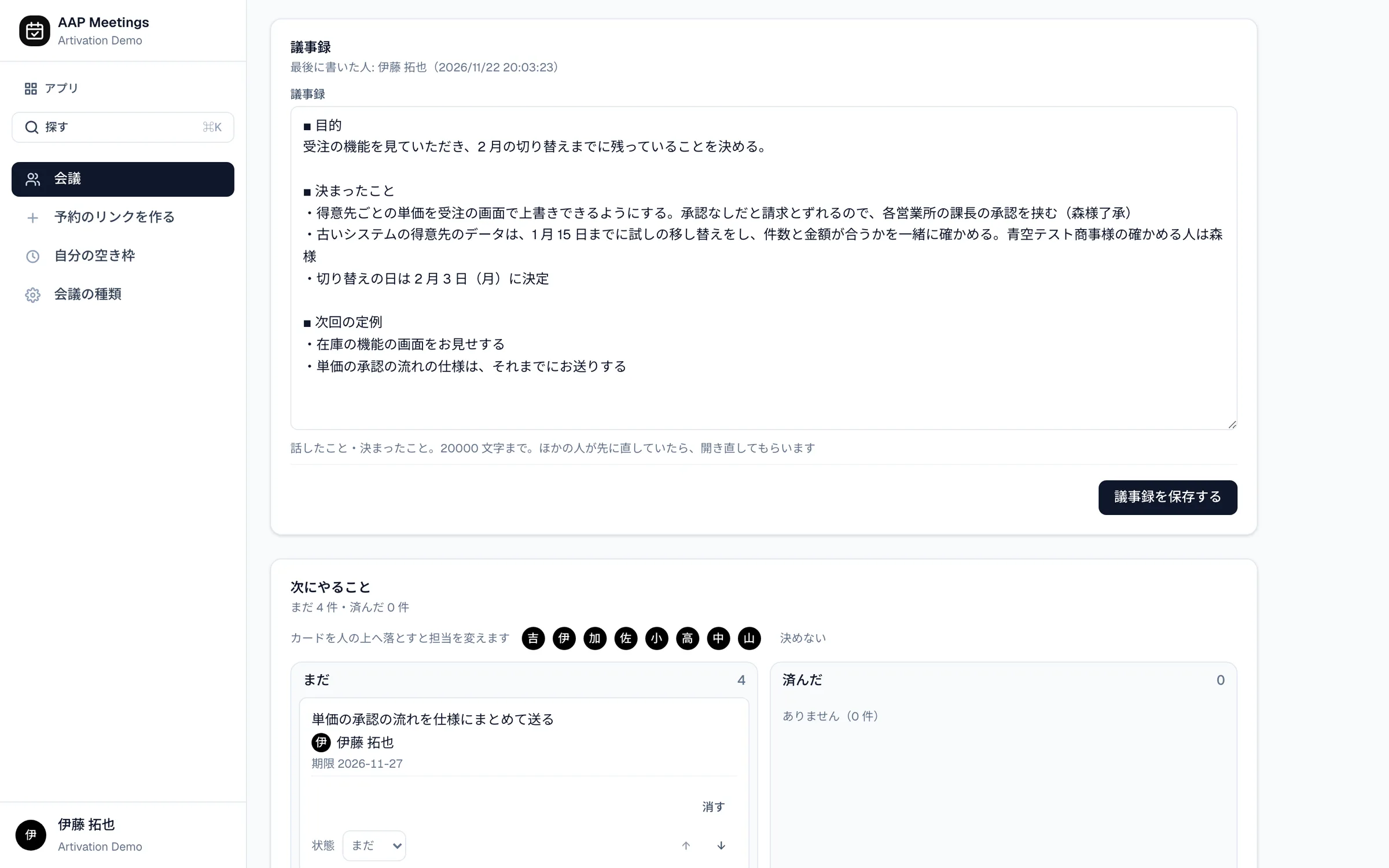
Compile minutes, next steps, and follow-up emails for each meeting
Let others choose a date and time with a booking link
Set the hours when you accept meetings yourself
Set duration, available hours, and attendees for each meeting type
ConnectionsConnections with
Connections with
other apps.
Availability is read from AAP Calendar, and meetings are written back to it. Client companies come from AAP Clients and transcripts from AAP Transcription. During a meeting, you can search AAP Knowledge articles.
Let’s talkFor questions about adoption or usage,
For questions about adoption or usage,
please contact us.
You can also ask right away using "Ask AI" at the bottom right.